Available templates
To create portal pages in our wiki, you can use our pre-designed starter pages. Currently, the following starter pages are available:
-
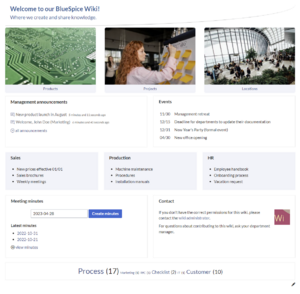 Startpage Intranet
 -
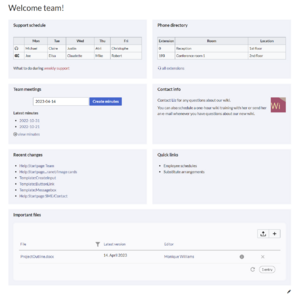 Startpage Team


Using the templates
To use these templates, the following steps are necessary:
- Go to the page Template:Startpage in your wiki.
- Click on the link for one of the available templates. This brings you to the template in the
Help:namespace. - Copy the page to a location of your choice. For example, make it the main page for an existing namespace that does not have a main page yet (e.g.,
IT:Main Pagewould create the main page for theIT:namespace.



